

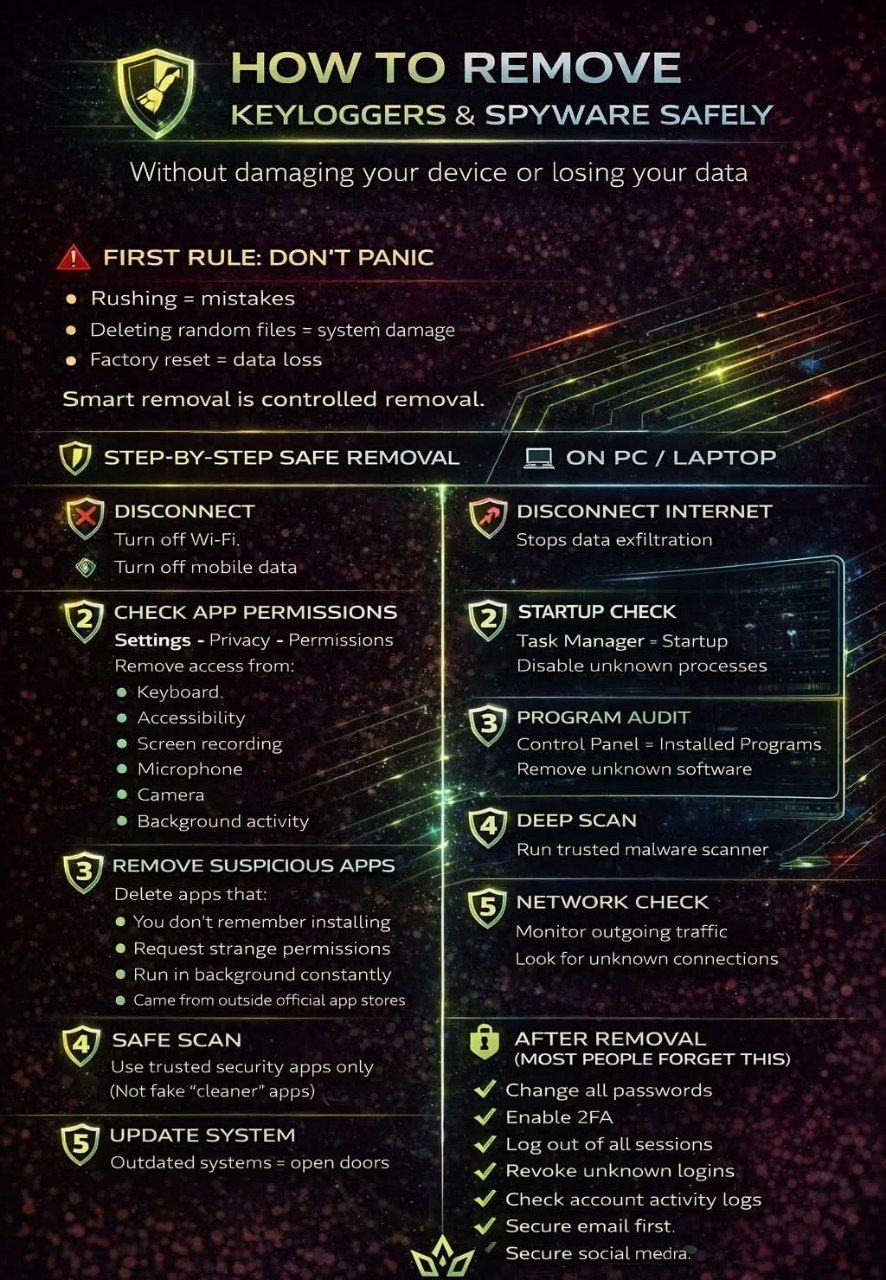
HOW TO REMOVE KEYLOGGERS & SPYWARE SAFELY
Without damaging your device or losing your data
⚠️ First Rule: Don’t Panic
Rushing = mistakes
Deleting random files = system damage
Factory reset = data loss
Smart removal is controlled removal.
Step-by-Step Safe Removal
📱 On Mobile Devices
1️⃣ Disconnect
Turn off Wi-Fi
Turn off mobile data
This stops data leaks immediately.
2️⃣ Check App Permissions
Settings → Privacy → Permissions Remove access from:
Keyboard
Accessibility
Screen recording
Microphone
Camera
Background activity
3️⃣ Remove Suspicious Apps
Delete apps that:
You don’t remember installing
Request strange permissions
Run in background constantly
Came from outside official app stores
4️⃣ Safe Scan
Use trusted security apps only
(Not fake “cleaner” apps)
5️⃣ Update System
Outdated systems = open doors
💻 On PC / Laptop
1️⃣ Disconnect Internet
Stops data exfiltration
2️⃣ Startup Check
Task Manager → Startup
Disable unknown processes
3️⃣ Program Audit
Control Panel → Installed Programs
Remove unknown software
4️⃣ Deep Scan
Run trusted malware scanner
5️⃣ Network Check
Monitor outgoing traffic
Look for unknown connections
🔐 After Removal (Most People Forget This)
✅ Change all passwords
✅ Enable 2FA
✅ Log out of all sessions
✅ Revoke unknown logins
✅ Check account activity logs
✅ Secure email first
✅ Secure banking apps
✅ Secure social media
Deleting apps isn’t security.
Factory reset isn’t always smart.
Random cleaners aren’t protection.
Real cybersecurity is controlled action, not panic.
Smart users clean. Smarter users secure.

 29.465 SRY