

HOW TO DETECT KEYLOGGERS & SPYWARE
Before they steal your data
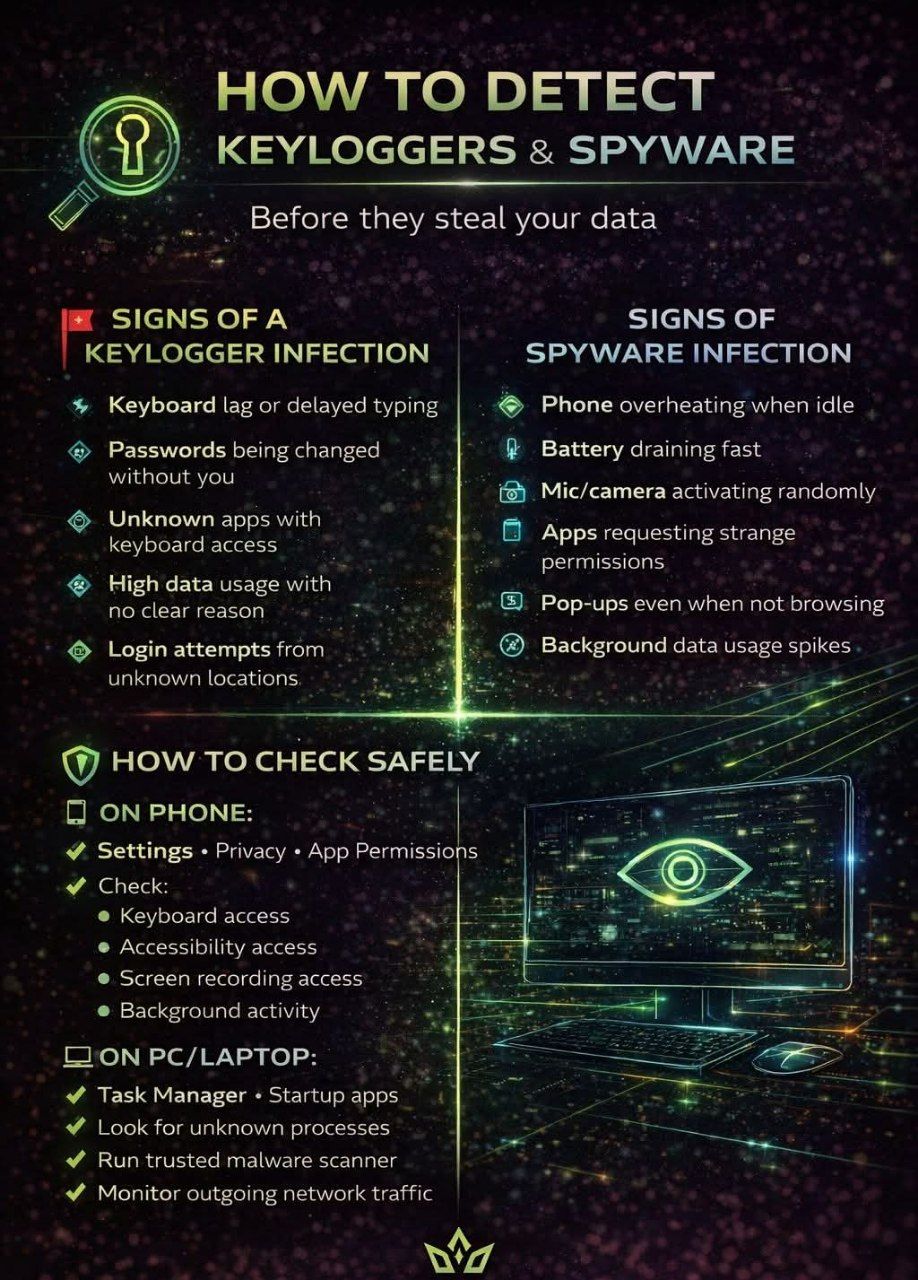
🚩 Signs of a Keylogger Infection
🔹 Keyboard lag or delayed typing
🔹 Passwords being changed without you
🔹 Unknown apps with keyboard access
🔹 High data usage with no clear reason
🔹 Login attempts from unknown locations
👁️ Signs of Spyware Infection
🔹 Phone overheating when idle
🔹 Battery draining fast
🔹 Mic/camera activating randomly
🔹 Apps requesting strange permissions
🔹 Pop-ups even when not browsing
🔹 Background data usage spikes
🛡️ How to Check Safely 👇
📱 On Phone:
Settings → Privacy → App Permissions
Check:
Keyboard access
Accessibility access
Screen recording access
Background activity
Remove apps you don’t recognize
💻 On PC/Laptop:
Task Manager → Startup apps
Look for unknown processes
Check installed programs
Run trusted malware scanner
Monitor outgoing network traffic
🔐 Protection Rules
✅ Don’t install cracked apps
✅ Avoid fake updates
✅ Use verified app stores only
✅ Limit permissions
✅ Use 2FA
✅ Keep system updated
✅ Use real security software
✅ Avoid unknown links
⚠️
If it’s silent — it’s dangerous.
If it’s hidden — it’s powerful.
If it watches you — it controls you.
They don’t crash your phone.
They don’t slow your laptop.
They don’t show warnings.
They just watch. Record. Steal.
Real cybersecurity isn’t fear — it’s awareness.
Silent threats require smart users.

 54.075 SRY